
Guide & Tutorials
- First-Time User Guides
- ACE Model Flight Tutorials
- Troubleshooting & Repairs
- Common Issues & Solutions
- Advanced Topics
-
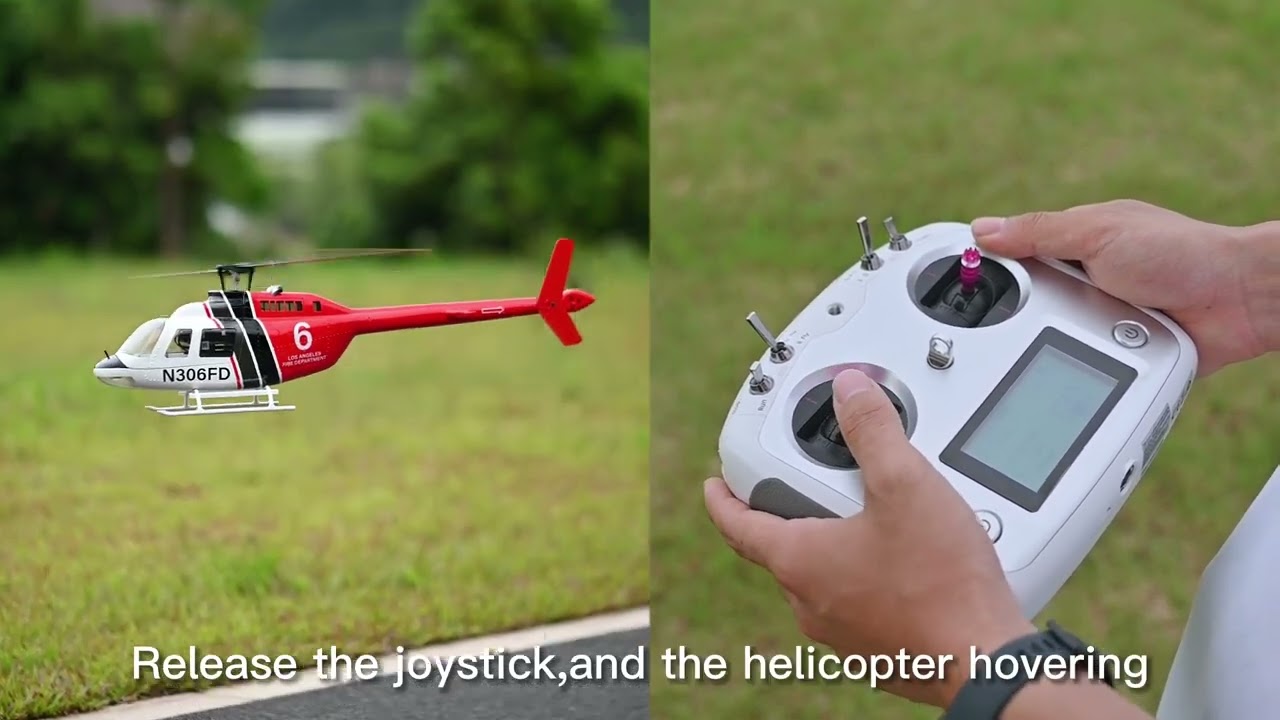
BELL-206 Helicopter Operation Tutorial
-
Rotor Blade Installation Tutorial
-
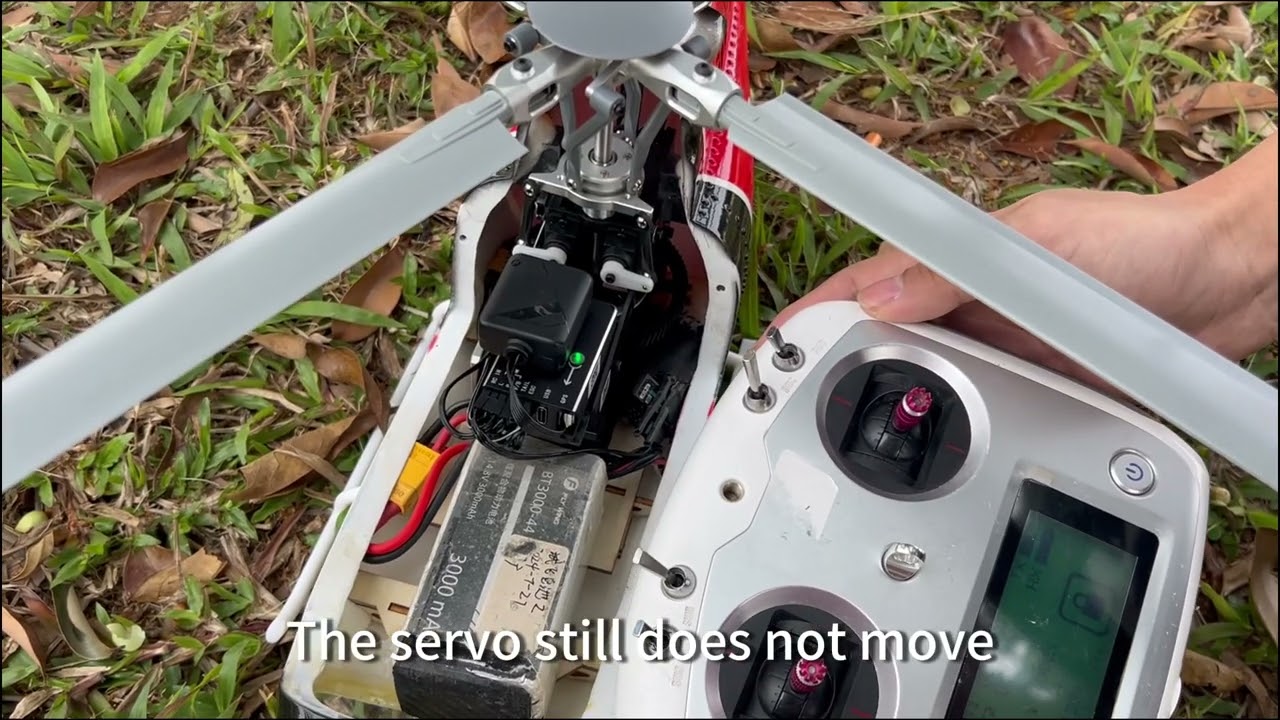
Things to Be Aware of During Your First Flight
-

Bell206 Four-blade Flight Tutorial | ACE Flight controller
-

Bell206 Two-blade Flight Tutorial | ACE Flight controller
-

Solutions for Helicopter Shaking During Flight (All Models Applicable)
-
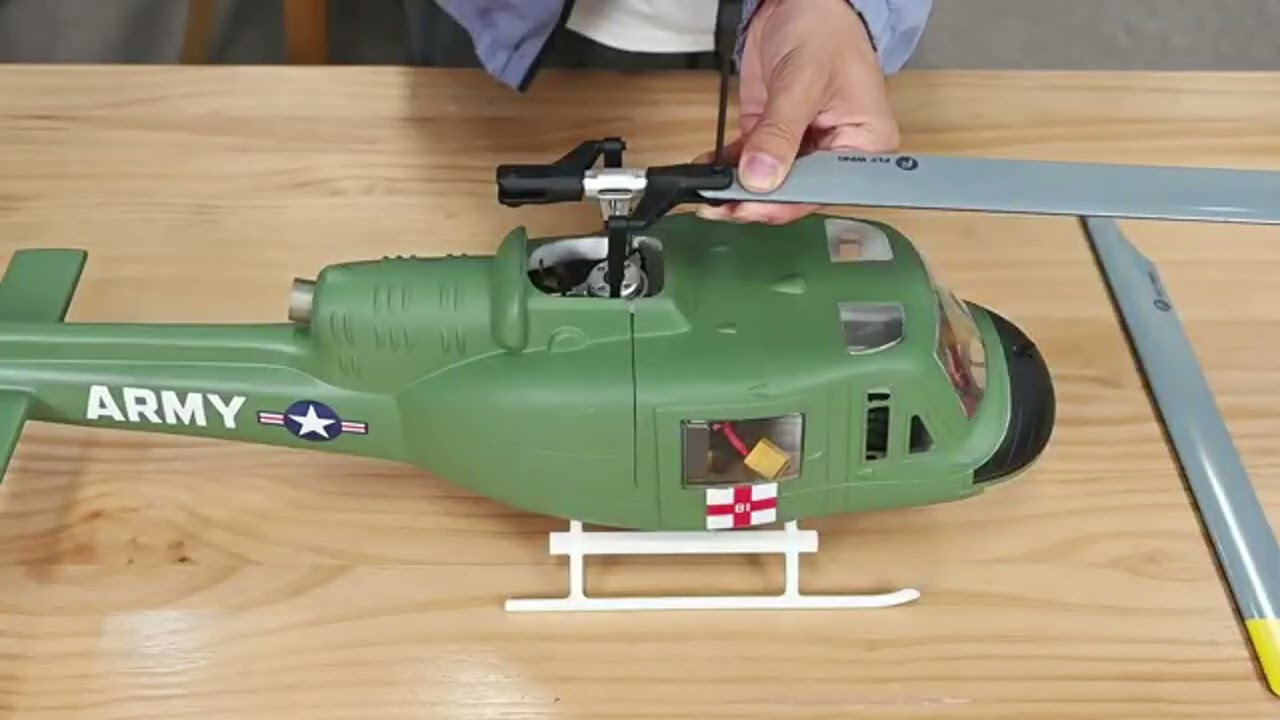
Excessive Shaking on the Ground During Takeoff/Landing (Not in the Air)
-
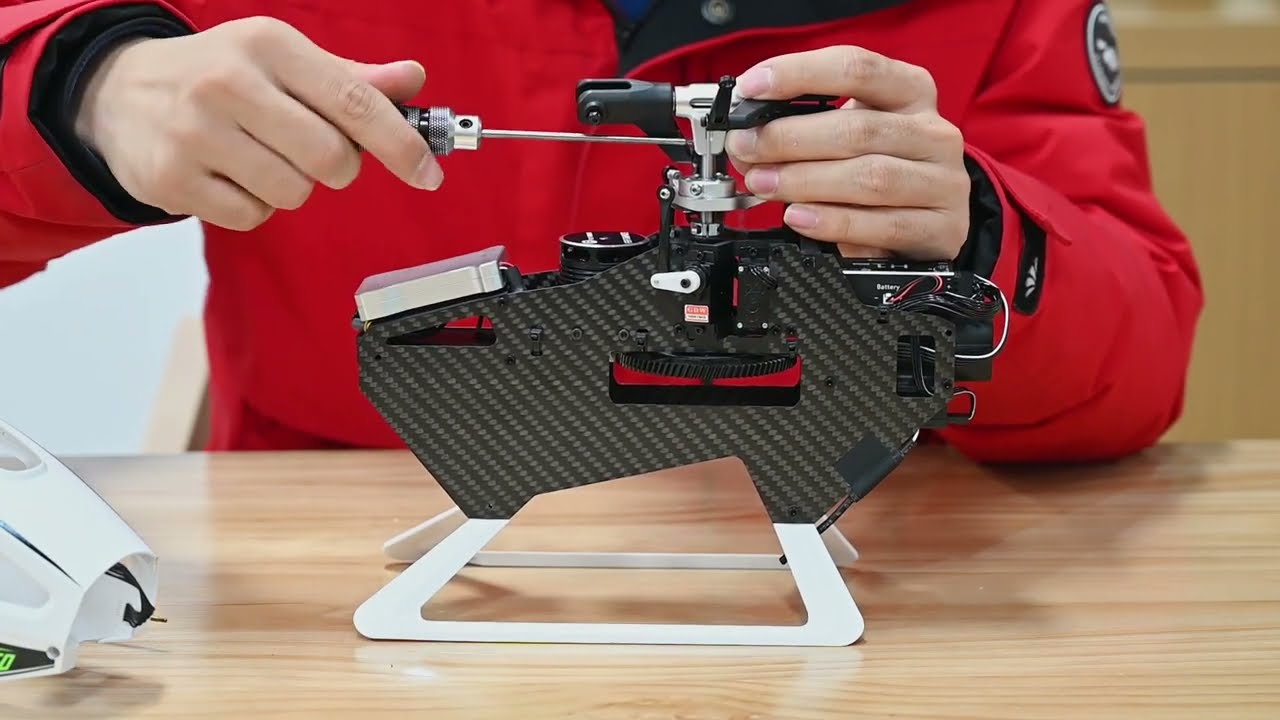
Main Shaft Replacement
-
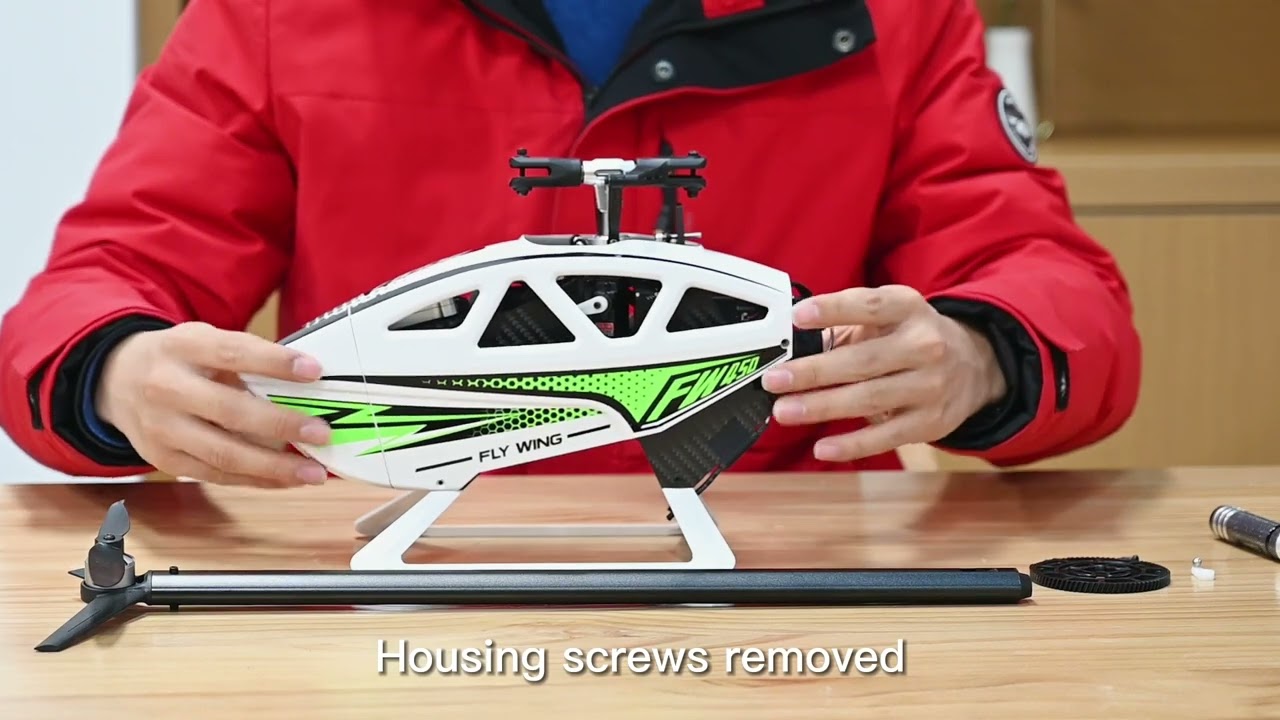
Gear Replacement
-
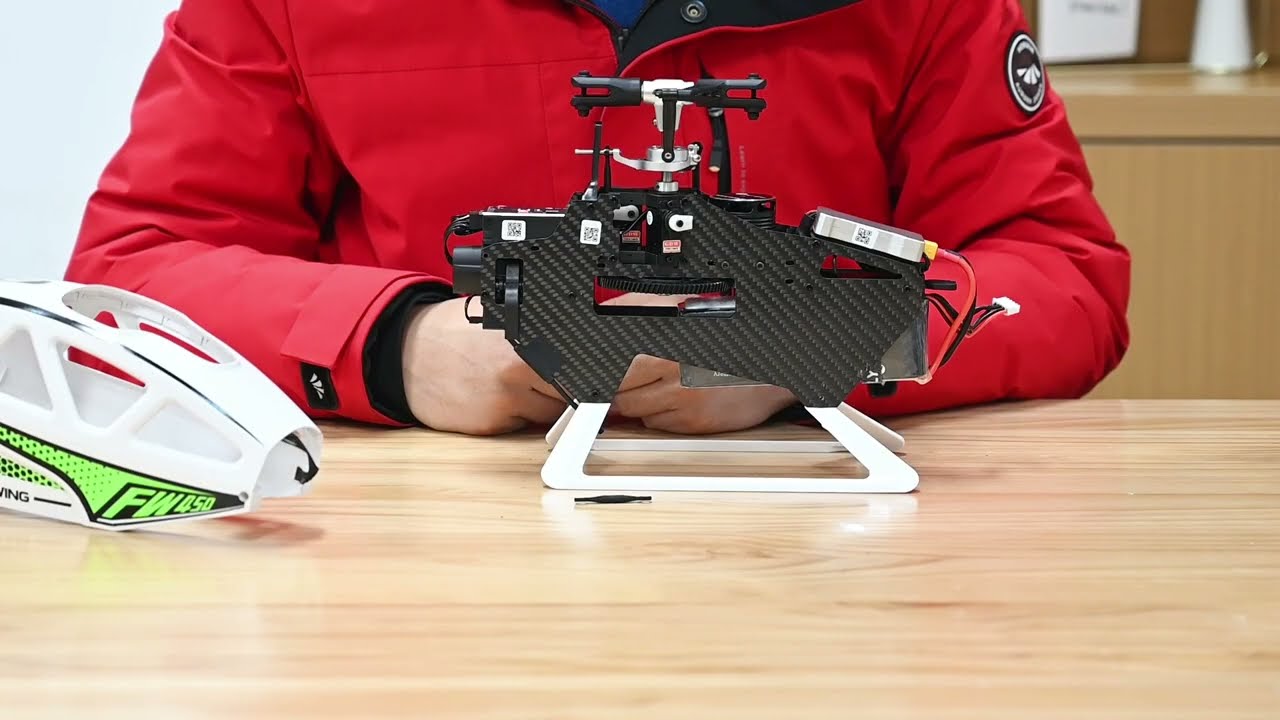
Servo Arm Replacement
-
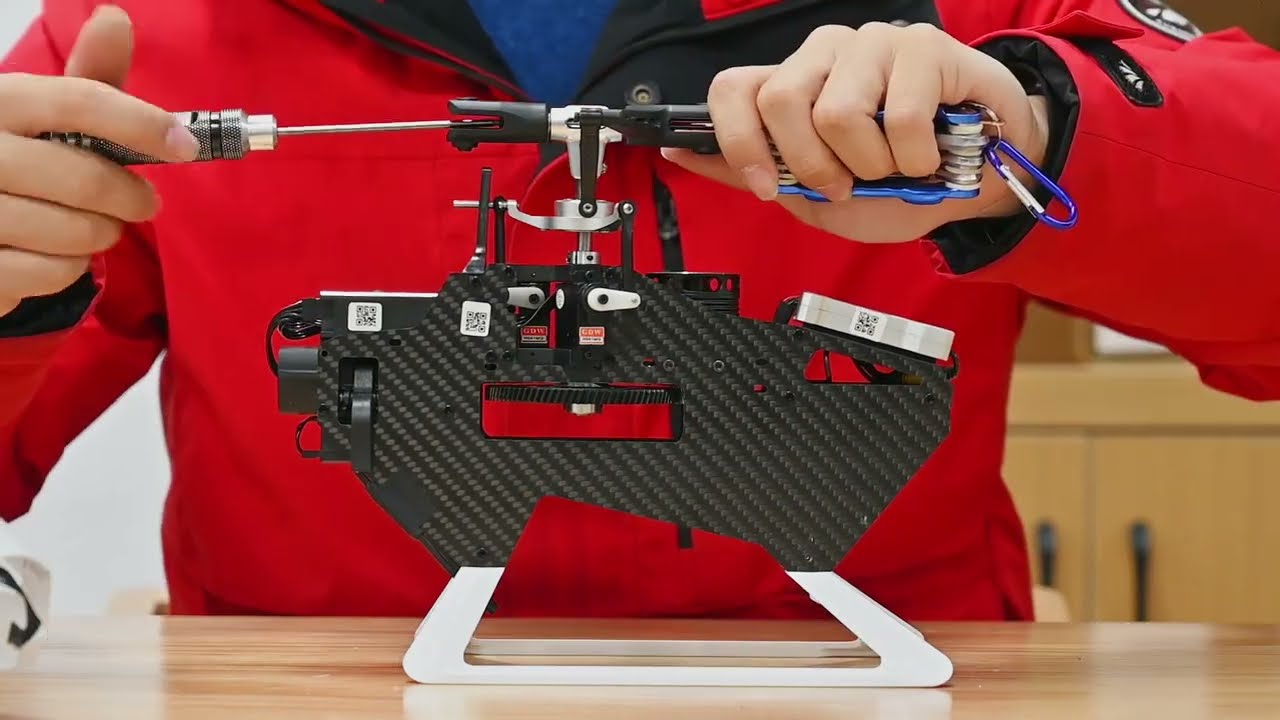
Feathering Shaft Replacement (Inside Blade Grips)
-
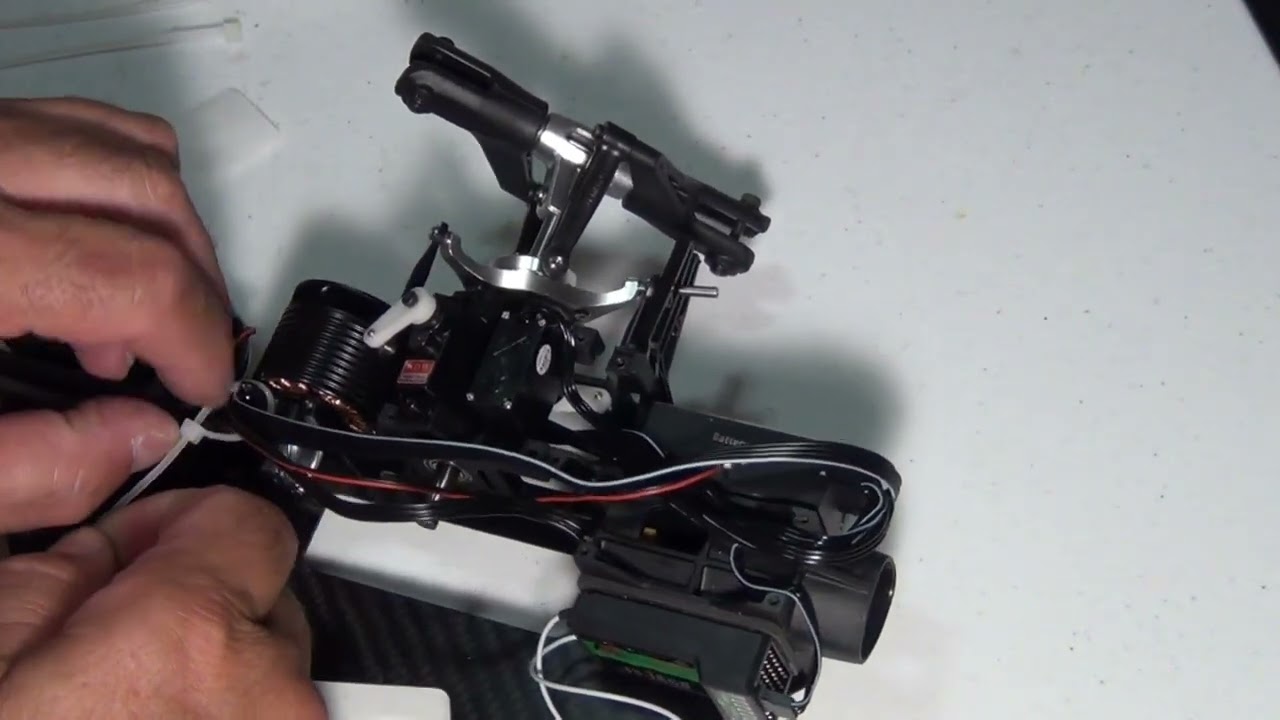
Fuselage Disassembly & Maintenance
-
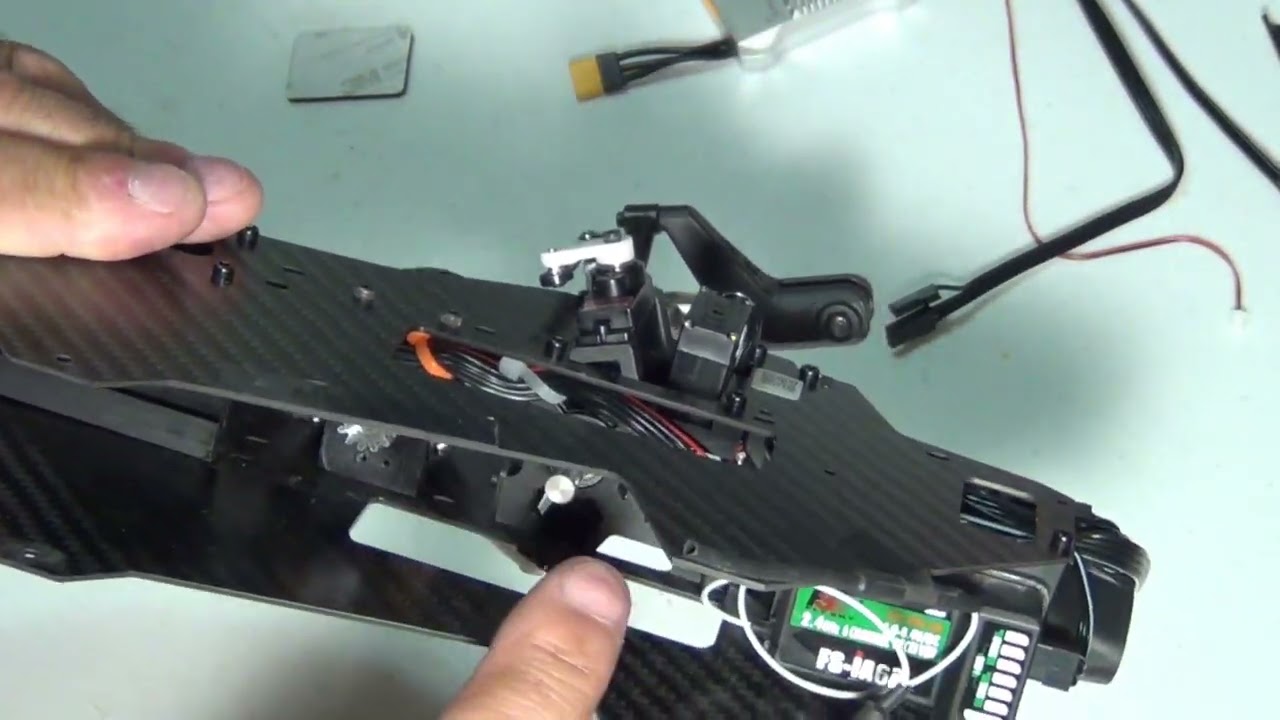
ESC (Electronic Speed Controller) Replacement
-
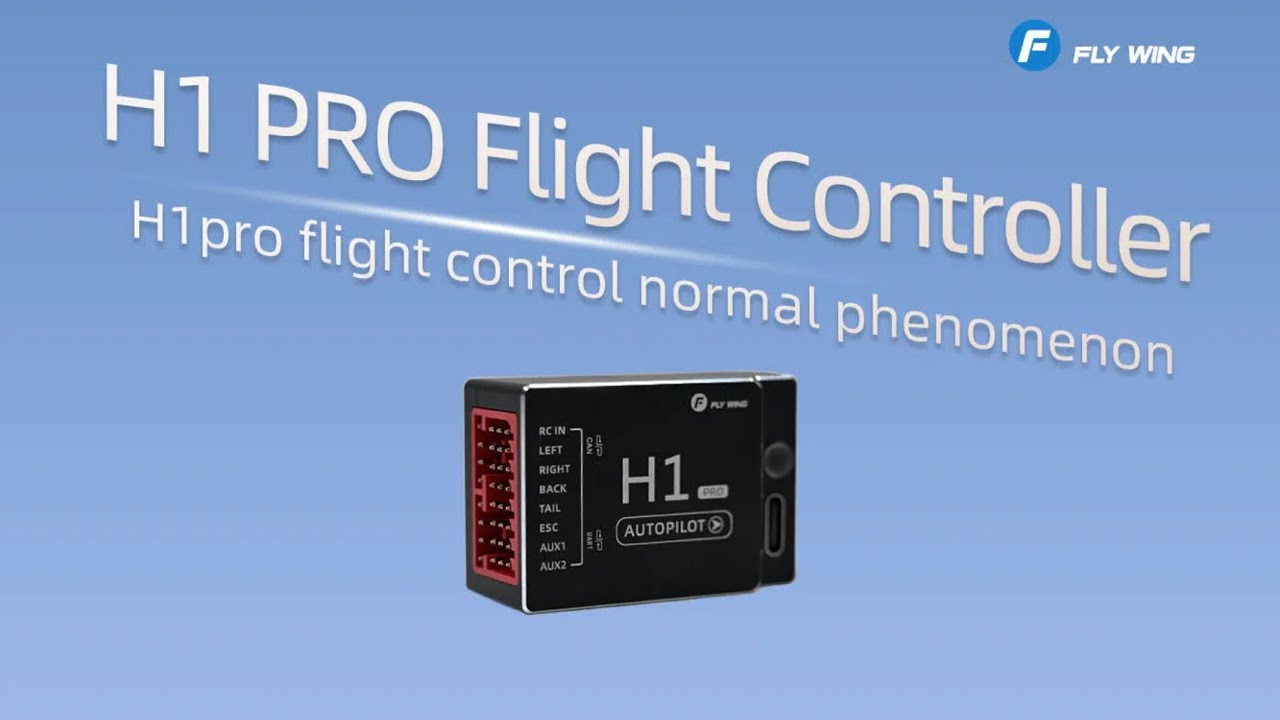
H1 Pro Flight Controller System Installation Tutorial
-
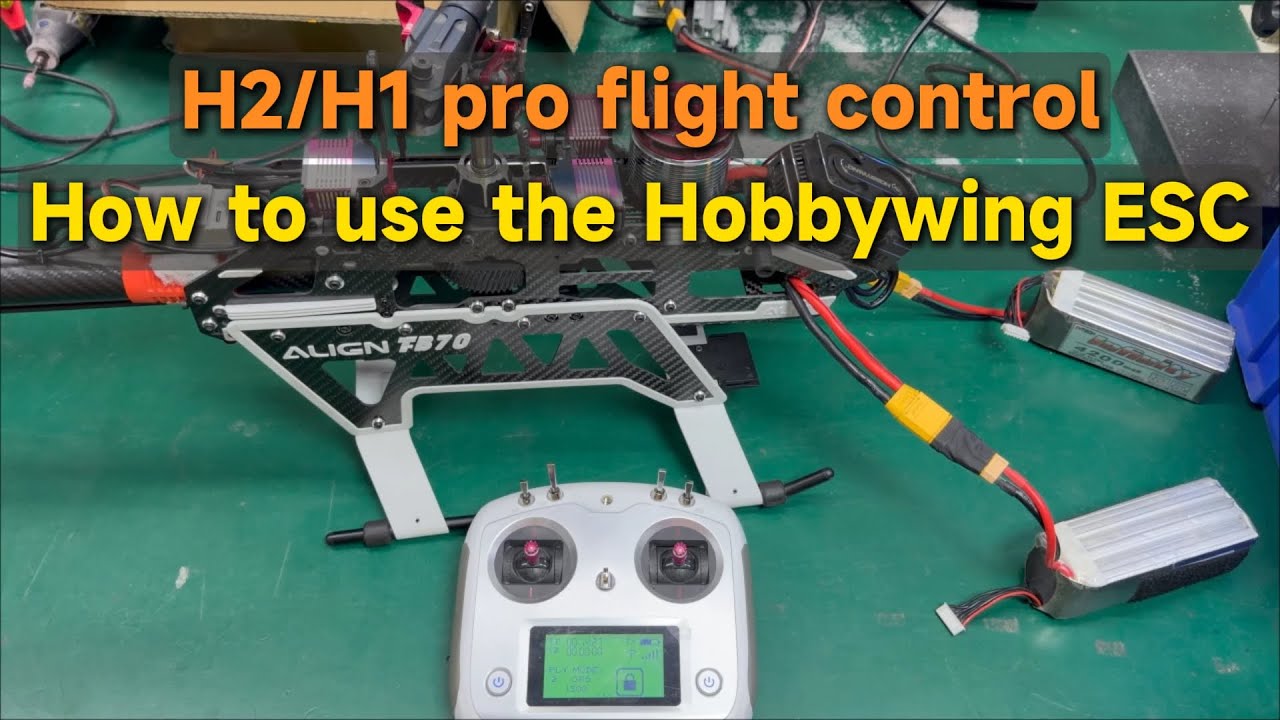
H2/H1 pro flight control | How to use the Hobbywing ESC
-
H-ACE flight controller – compass calibration (remote control)
-
ACE Flight Controller | How to unlock 3D ACRO mode
-
H2 Flight Controller | How to achieve smooth smart acro?
-
ACE Flight Controller | LED status after low battery (SCALE)
-
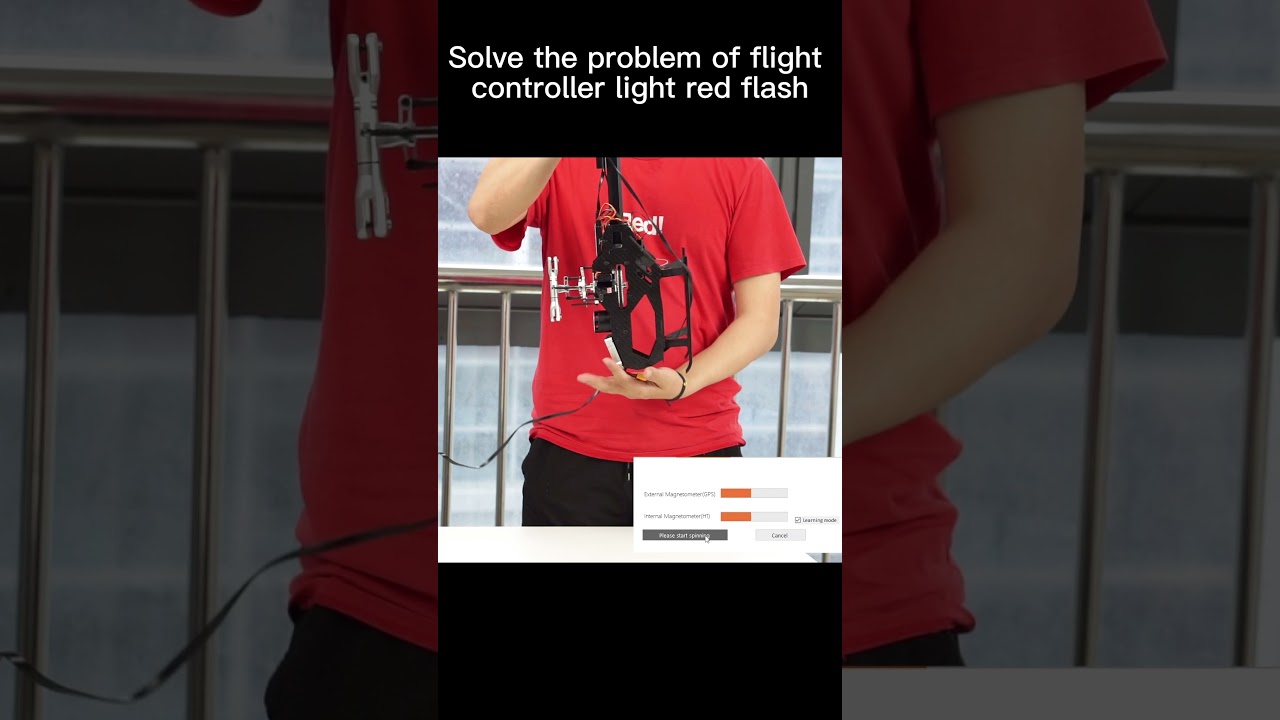
Watch Calibration Tutorial
-
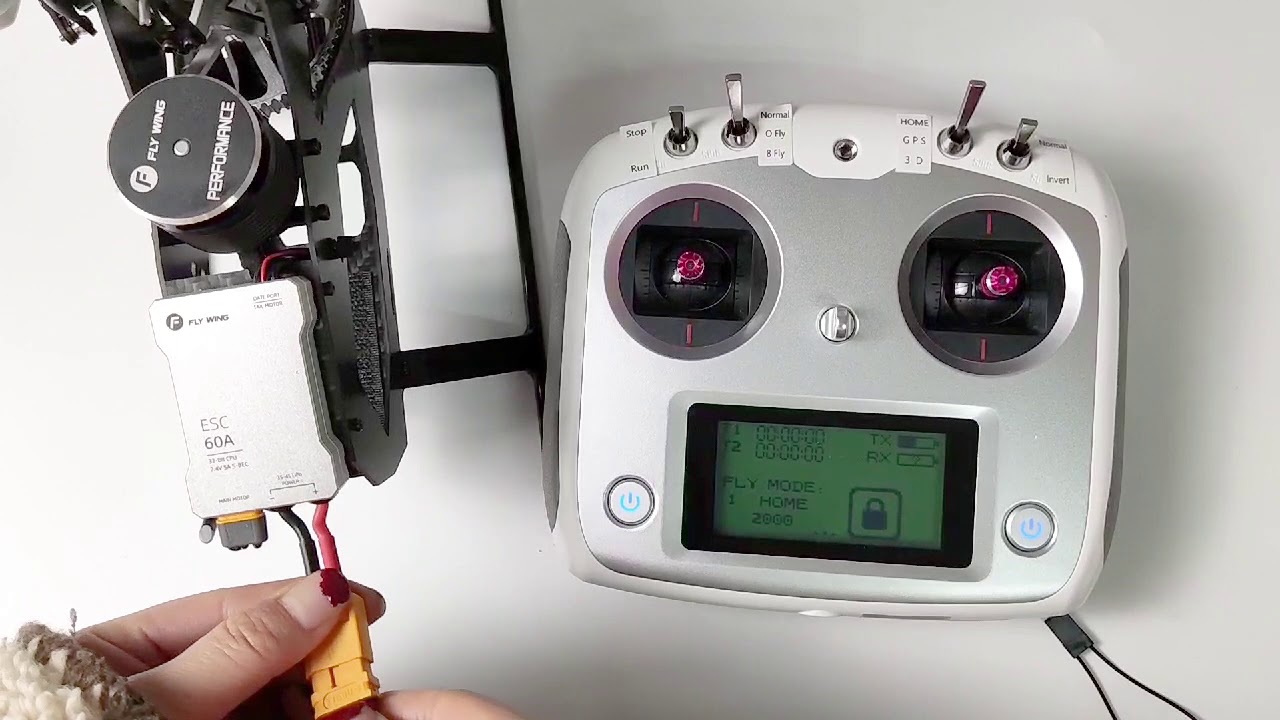
"Lost RC Signal" — How to Bind Remote Controller
-
Bought a PNP Model – How to Bind to an Existing Remote
-
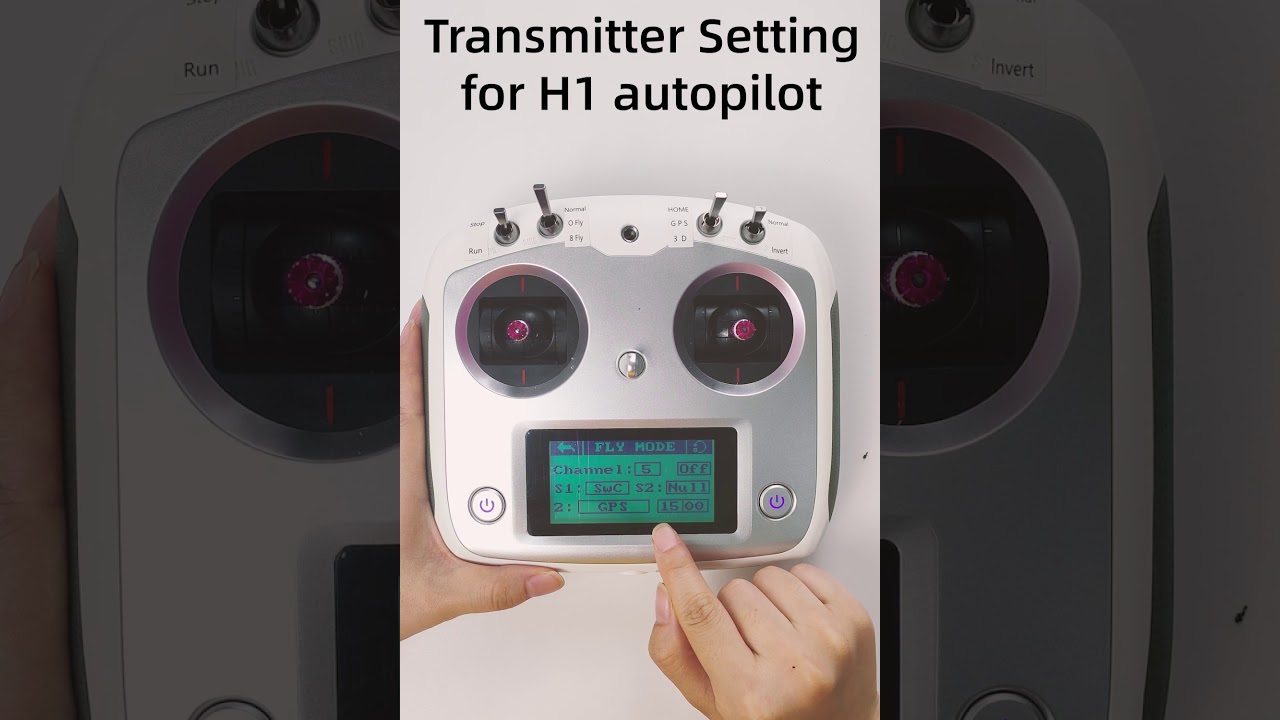
Remote Control Settings Messed Up – How to Restore
-
Bought a PNP Model – How to Bind to an Existing Remote
Frequently asked questions
A thorough pre-flight inspection is crucial for safety. Please watch our detailed guide on how to inspect your helicopter to ensure everything is in perfect working order.
We understand your concern. While it feels like a product issue, these incidents are almost always due to operational errors that can happen to any pilot. For example, accidentally switching to "3D Mode" or having a sleeve catch the "STOP" switch can cause a crash. We find that the most common cause is the "Return-To-Home" feature activating due to a low battery. Please review this video on the low battery feature. If parts were damaged, they are available for purchase in our store.
No.Flywing helicopters use a completely lubrication-free design. All components are either self-lubricating, factory-sealed, or single-use. Adding lubricant can actually cause harm.
You'll need to re-bind your remote controller to the flight controller. We have two helpful videos that walk you through the process: Binding Tutorial 1 and Binding Tutorial 2.
The end user assumes full responsibility and all risks associated with the use of radio-controlled flight products. Flywing accepts no responsibility for injury, death, or damage arising from the use of any products purchased from us.


Need Help?
Having trouble downloading or installing? Contact our support team for quick assistance—we’re here to help you every step of the way.